Bluetooth speakers have become an essential part of our daily lives. Whether you're enjoying outdoor camping, home entertainment, or a workout session, a reliable speaker provides a convenient and high-quality audio experience. However, after long-term use, many users notice the battery doesn’t last as long as before, charges slowly, or even fails to charge at all. These issues usually indicate one thing—your speaker battery needs to be replaced.
In this guide, we’ll explain how speaker batteries work, when to replace them, how to choose the right battery, and tips to extend battery life, helping your speaker perform like new again.
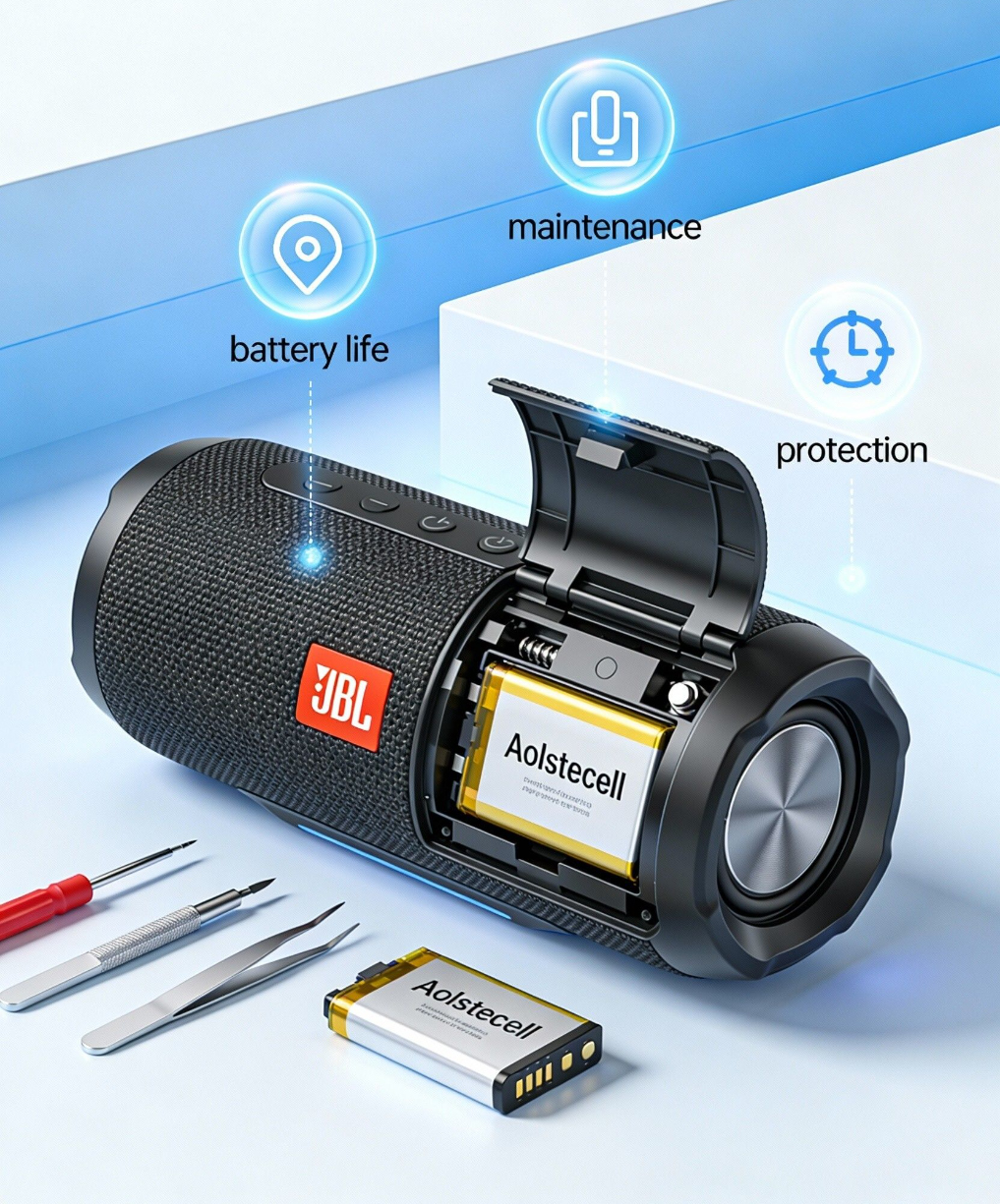
Just like smartphones and laptops, most Bluetooth speakers use lithium-ion (Li-ion) or lithium-polymer (Li-po) batteries. These batteries offer high energy density and lightweight performance, but they also have a limited charge cycle lifespan.
Common causes of battery degradation include:
Increased charge cycles – more charging equals reduced capacity.
Overcharging or deep discharging – damages the internal battery structure.
Extreme temperatures – both heat and cold speed up battery aging.
Poor heat dissipation inside the device – accelerates wear.
When the battery capacity significantly drops, replacing the battery is the most effective way to restore performance.
If your speaker shows one or more of the following symptoms, its battery is likely worn out:
✔ Significantly reduced playtime
For example, your speaker used to last 8 hours but now only runs for 1–2 hours.
✔ Random shutdowns
The speaker powers off suddenly even when it shows some battery remaining.
✔ Charging issues
Slow charging, incomplete charging, or the speaker gets unusually warm while charging.
✔ Battery indicator problems
Flashing lights, incorrect battery percentage, or abnormal charging status.
✔ Battery swelling
A swollen battery is dangerous—stop using the speaker immediately and replace the battery as soon as possible.
Choosing a replacement battery requires more than just matching the capacity. Pay attention to the following:
1. Match the correct battery model
Different speaker brands and models have very different internal structures. Make sure you confirm:
Speaker model
Original battery model
Voltage (V)
Capacity (mAh)
Connector type and size
Whether the battery includes a protection circuit (PCM)
If you're unsure, contact the seller or open the speaker to check the battery label.
2. Choose high-quality battery cells
The quality of a battery depends heavily on the cell used. High-quality cells offer safer performance and a longer lifespan.
Look for:
A-grade lithium battery cells
Over-charge, over-heat, and short-circuit protection
Multiple safety tests
3. Ensure the size fits the speaker
Some speakers have very compact internal structures. The replacement battery must match the size precisely to fit properly.
4. Buy from a reliable supplier
Choose a supplier with proper testing equipment and quality inspections to reduce the risk of compatibility or lifespan issues.
(This also highlights the strengths of your company 🙂)
⚠️ Note: Many speakers use clips and strong adhesive, making disassembly challenging. If you’re not experienced, consider getting professional help.
General replacement steps:
Turn off the speaker and disconnect all power sources
Remove the back cover or bottom casing
Locate the battery and unplug the connector
Remove the old battery (carefully loosen adhesive if necessary)
Connect the new battery
Reassemble the speaker and test it
Simple devices like some JBL, Sony, and Xiaomi speakers are easy to replace.
More complex models like Bose or Marshall may require more skill.
Proper usage significantly improves battery health, whether it's an original or replacement battery.
✔ Avoid deep discharging
Try not to let the battery reach 0%.
✔ Don’t keep it plugged in all day
Keeping the battery around 20%–80% is ideal.
✔ Avoid high-temperature environments
Such as inside cars or direct sunlight.
✔ Store properly when not in use
Keep the battery at around 50% and charge it every 2 months.
📌Conclusion
Battery aging is inevitable, but replacing the battery can give your Bluetooth speaker a second life. Choosing a high-quality, compatible, and safe replacement battery is the key to restoring optimal performance.
If you’re unsure which battery model fits your speaker, feel free to contact our customer service team—we’re here to help you find the right speaker battery quickly and easily.
