Different speaker brands and models require different batteries. You can:
Check the label on the bottom or back of the speaker
Look at the user manual
Find model details on the original packaging or system settings
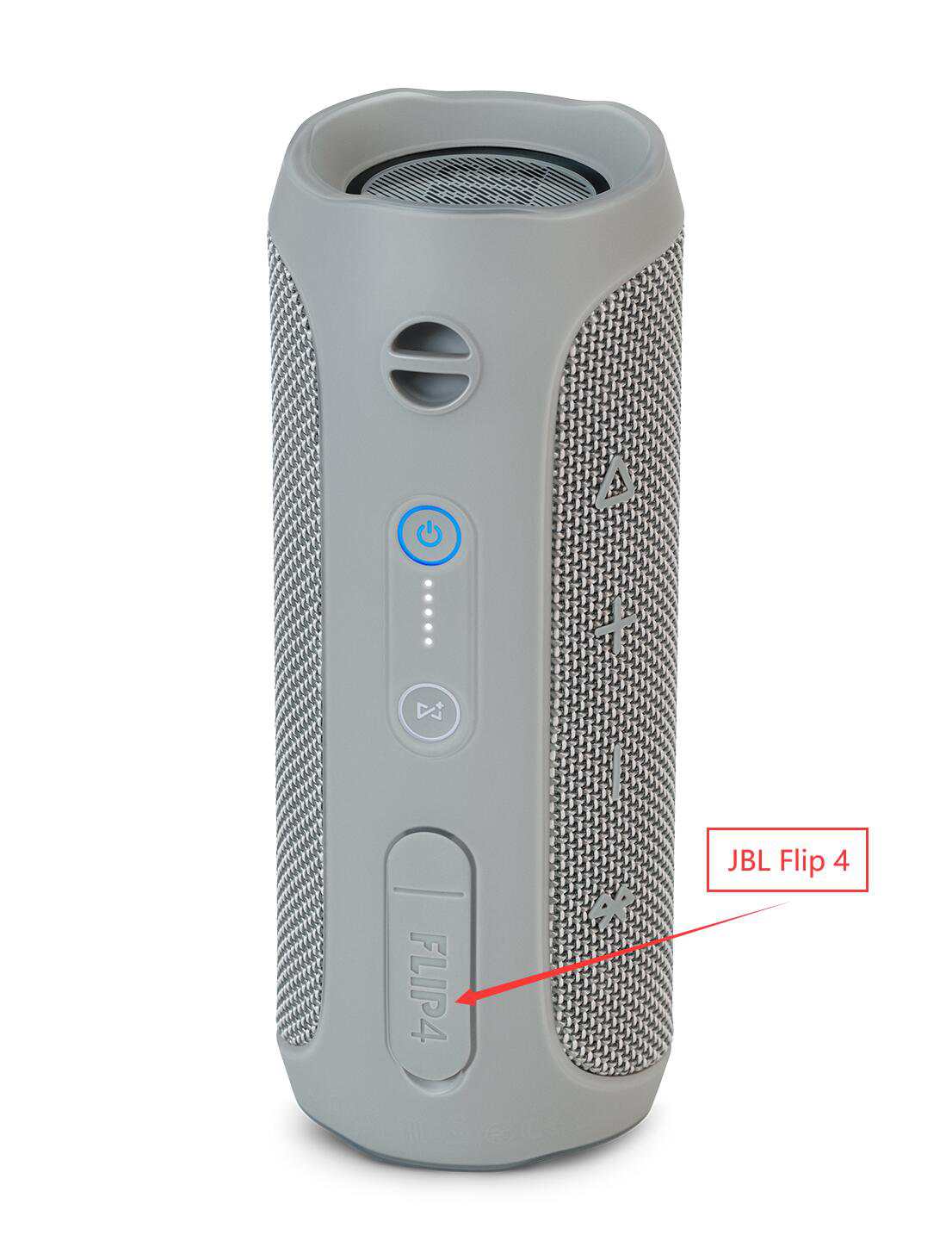
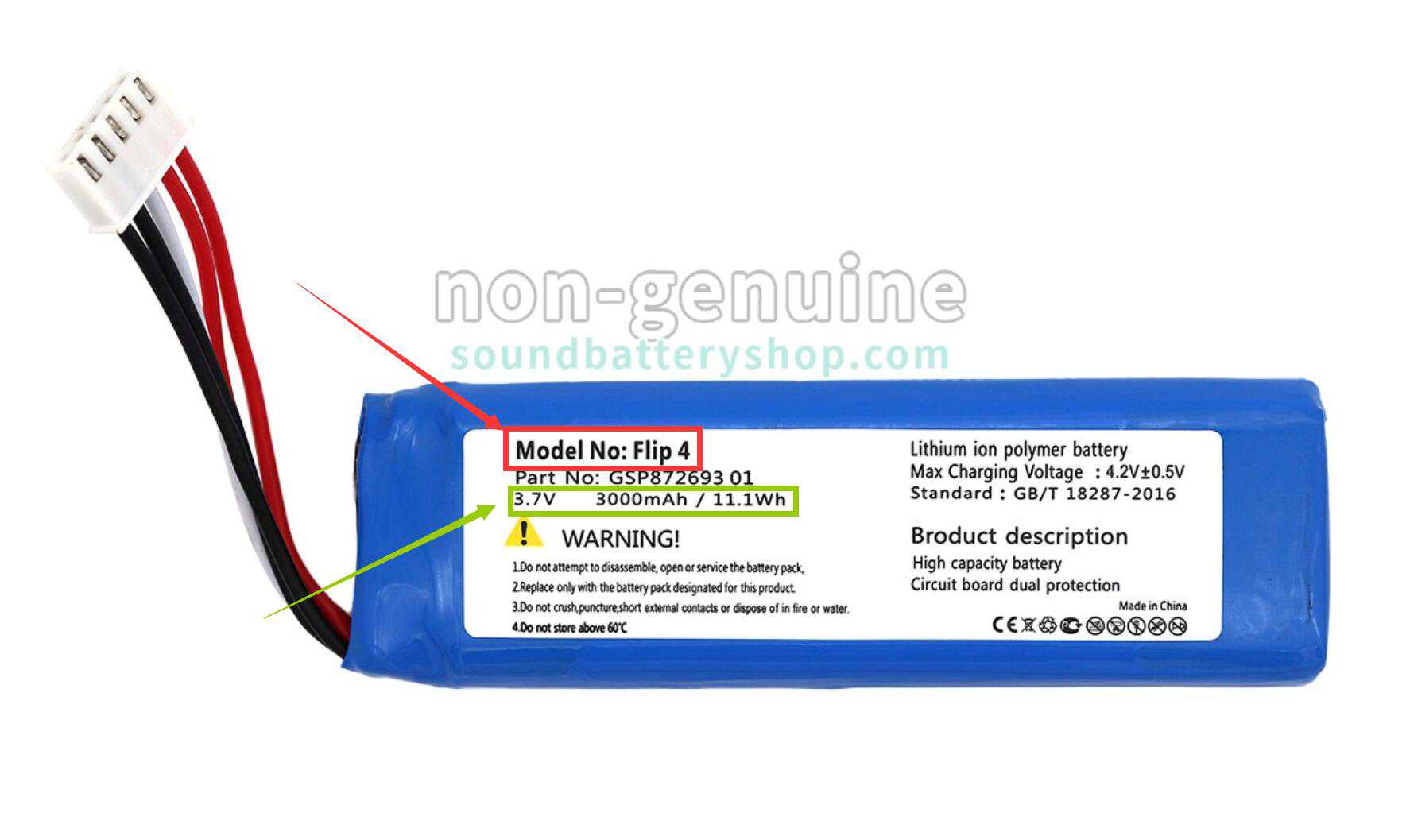
Remove the old battery and look at the information printed on it. Pay attention to:
Battery Model/Part Number: for example, JBL Flip 4, Sony SRS-XB, etc.
Voltage (V): common ratings are 3.7V, 7.4V, etc.
Capacity (mAh): this determines playtime—the higher the capacity, the longer the battery lasts.
Once you know your laptop model name or the battery part number, you can start searching directly on our website.
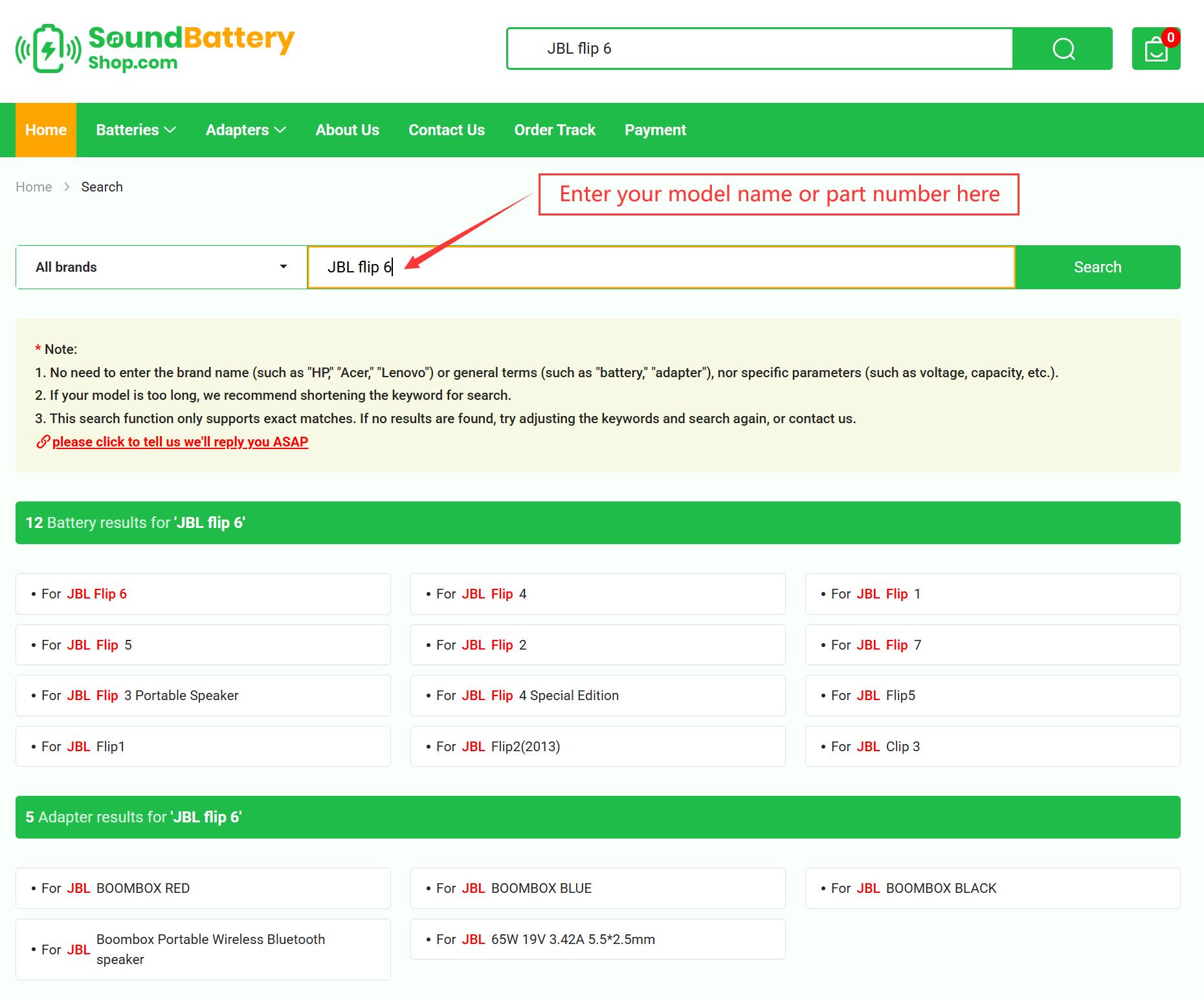
Tips:
Make sure all words are spelled correctly, or use more general or alternative keywords.
Try broadening your search by using fewer keywords.
If you still cannot find the model you are looking for, click here to fill out the help form. We will contact you as soon as possible.
